
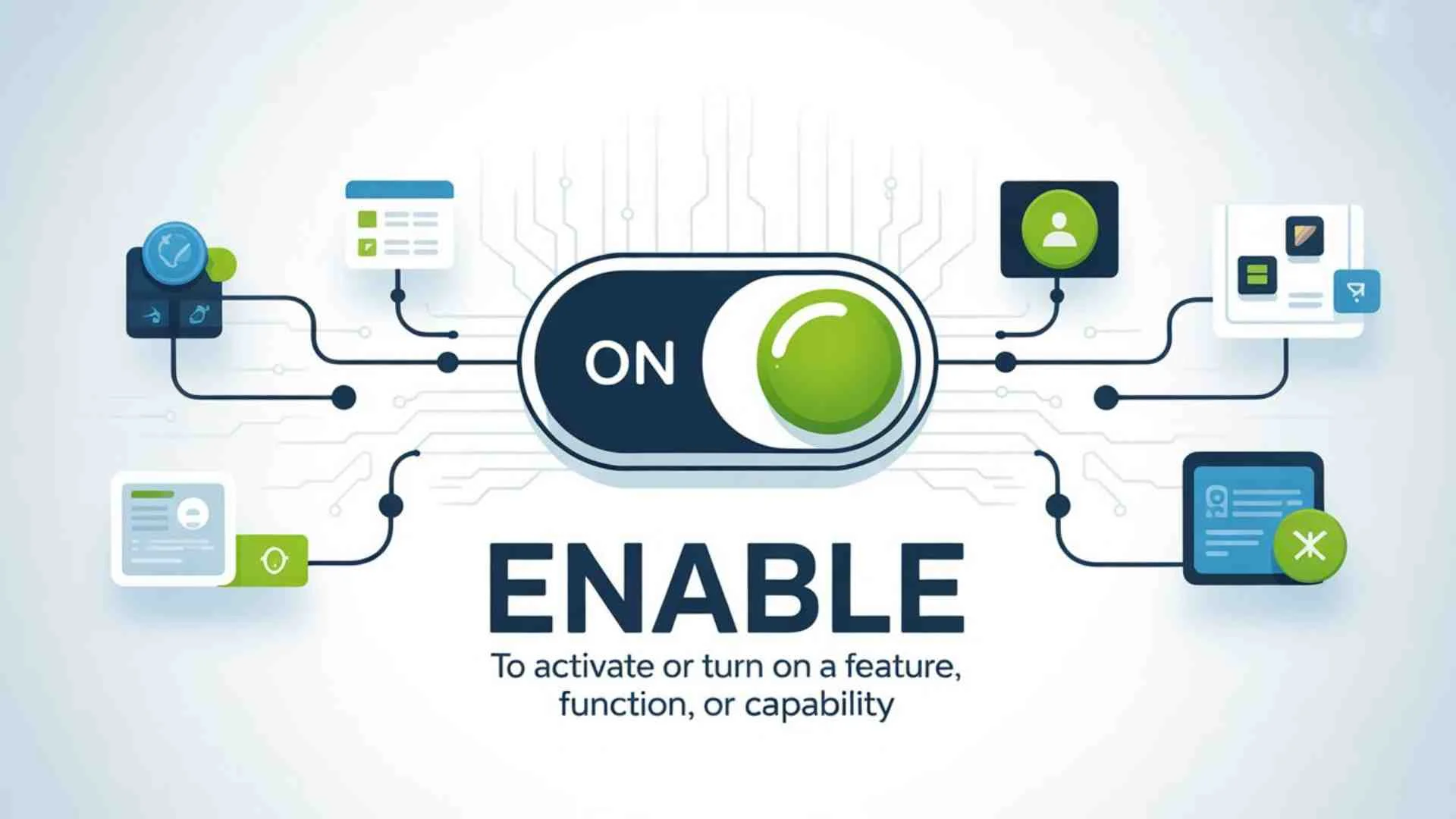
If you’ve ever tapped a button that said Enable and paused because you weren’t sure what would happen next, you’re not alone. The word appears everywhere in apps, phones, websites, crypto platforms, and video calls.
Yet most people never get a straight answer.
So let’s fix that.
Enable means to allow something to work or to turn a feature on so it can function.
This guide explains “what does enable mean” in plain English. No fluff. No tech lectures. Just real explanations, real examples, and clear answers you can use right away.
What Does Enable Mean? Simple Definition First
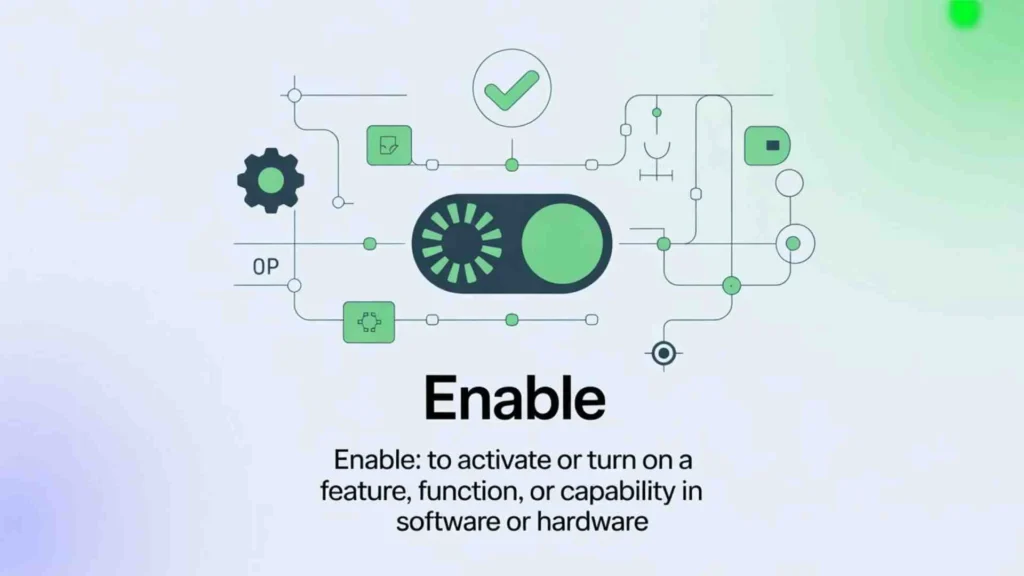
“Enable” is a common word you’ll see in technology, apps, settings, and everyday conversations. It simply means giving permission, power, or access for something to function properly. Whether you’re enabling notifications on your phone or enabling a feature in software, you’re basically allowing it to operate.
At its core, enable means:
To allow something to work or to turn a feature on so it can function.
When something is enabled, it’s active, usable, and permitted to run.
When it’s disabled, it’s blocked, turned off, or restricted.
Think of it like a locked door.
Enabling is unlocking it.
Disabling is locking it again.
Other Enable Meaning in English Definition, Usage, Synonyms & Examples
Enable Someone Meaning
“Enable someone” means to give a person the ability, power, opportunity, or support to do something.
It is used when someone provides help, tools, permission, or authority that makes something possible.
Examples:
- The teacher enabled her students to think independently.
- His financial support enabled me to start my own business.
- Good training enables employees to perform better.
In simple words, to enable someone means to make them capable of doing something.
Disable and Enable Meaning
Enable means to make something active, functional, or possible.
Disable is the opposite. It means to make something inactive, unavailable, or non-functional.
Examples:
- Please enable notifications to receive updates.
- You can disable the app if you don’t want alerts.
Simple explanation:
Enable = Turn on
Disable = Turn off
Enable Meaning Synonyms
Here are common synonyms of “enable”:
- Allow
- Permit
- Authorize
- Empower
- Facilitate
- Activate
- Make possible
- Grant
The correct synonym depends on the context.
Does Enable Mean Allow?
Yes, sometimes “enable” can mean “allow,” but they are not exactly the same.
- Allow means to give permission.
- Enable means to give the ability, means, or support to do something.
Example:
- My parents allowed me to travel. (They gave permission.)
- My parents enabled me to travel by paying for my ticket. (They made it possible.)
So, “enable” is usually stronger than “allow.”
Enable Opposite
The opposite of “enable” includes:
- Disable
- Prevent
- Block
- Prohibit
- Stop
The correct opposite word depends on how “enable” is used in a sentence.
Inable or Enable
The correct spelling is Enable.
“Inable” is not a correct English word. It is a common spelling mistake.
Correct: Enable
Incorrect: Inable
What Does Enable Mean on an App?
On an app, “enable” means to turn on or activate a feature.
For example:
- Enable notifications
- Enable location access
- Enable camera permission
- Enable dark mode
When you enable a feature, it starts working.
Enable Meaning in English with Example
Enable (verb): To give someone the ability, opportunity, or means to do something.
Example Sentences:
- This scholarship enabled her to complete her education.
- Technology enables people to work remotely.
- The new update enables advanced security features.
In short, “enable” means to make something possible or to activate something.
What Does Enable Mean In Technology And Software
In technology, enable has a very specific role.
Software doesn’t assume permission. It waits for you to grant it.
That’s where enabling comes in.
When you enable a feature, you’re telling the system:
• You approve it
• You want it active
• You allow it to access what it needs
This applies to apps, phones, websites, accounts, and even smart contracts.
Enable vs Turn On vs Allow
These words feel similar. They aren’t identical.
| Term | What It Means |
| Enable | Make a feature usable |
| Turn On | Switch power or status to active |
| Allow | Grant permission or consent |
| Disable | Block or turn off access |
Apps prefer enable because it covers both permission and activation in one step.
What Does Enable Mean On An App
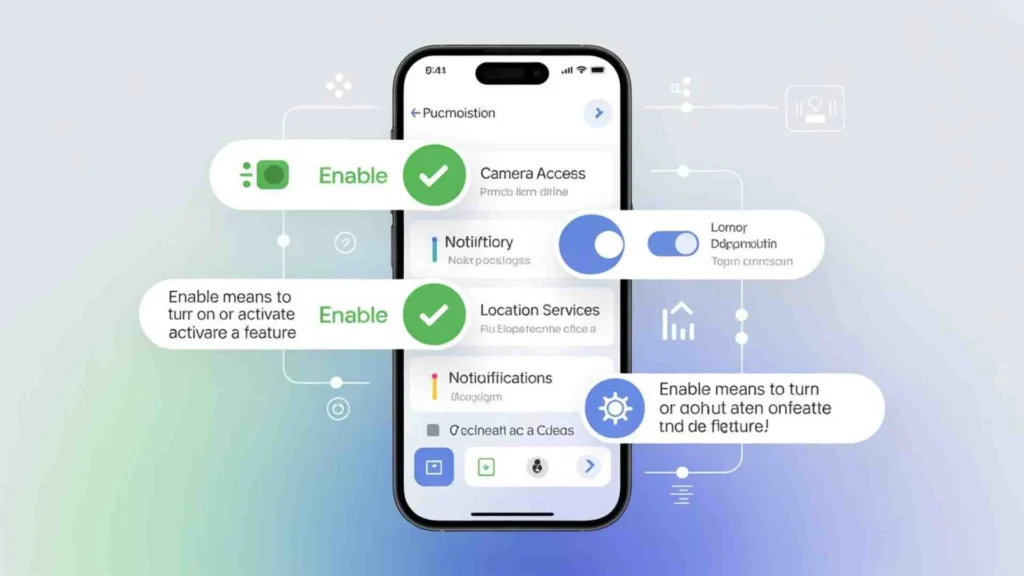
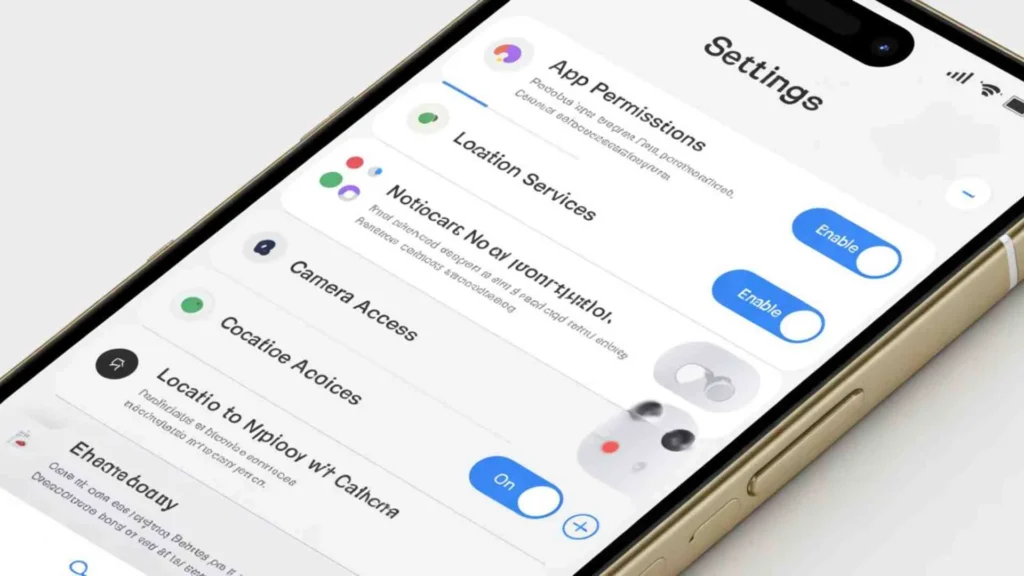
On apps, enable usually means giving permission or activating a feature the app can’t use by default.
Common examples include:
• Camera access
• Microphone access
• Notifications
• Location services
• Background activity
If an app says “Enable Camera,” it means:
“I can’t use your camera unless you allow it.”
What Happens If You Don’t Enable?
The app won’t break—but features won’t work.
Examples:
• No camera access → no photos or video
• No microphone access → no voice messages
• No notifications → missed alerts
What Does Enable Mean On Your Phone
On your phone, enable usually controls system-level features.
These include:
• Wi-Fi
• Bluetooth
• Location
• Mobile data
• Accessibility tools
Phones don’t activate these automatically. They wait for you.
That’s intentional.
It protects your privacy, battery life, and data usage.
What Does Enable Mean On iPhone
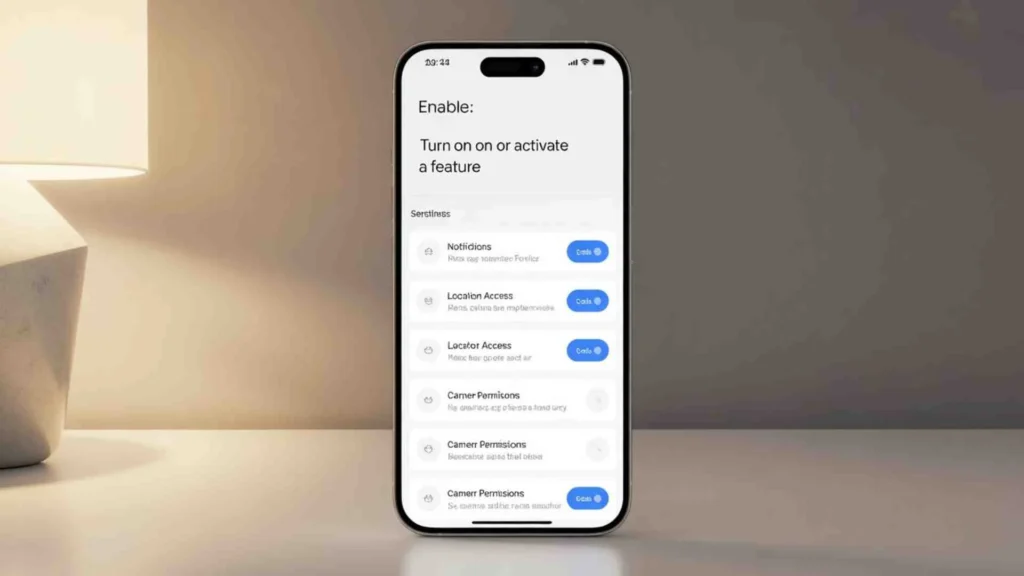
On iPhone, enable often appears as Allow, but the meaning stays the same.
Apple uses enabling to protect user privacy.
Common iPhone settings you must enable:
• Location access
• Camera and microphone
• Background app refresh
• Notifications
• Face ID permissions
If you don’t enable them, apps still install—but they run with limits.
Apple’s approach puts control in your hands.
What Does Enable Mean On Android Phones
Android uses Enable more directly.
A unique Android feature is app disabling.
When you disable an app:
• It stops running
• It receives no updates
• It uses no system resources
When you enable it again:
• The app restores fully
• Updates resume
• Notifications return
This is common for system apps and preinstalled software.
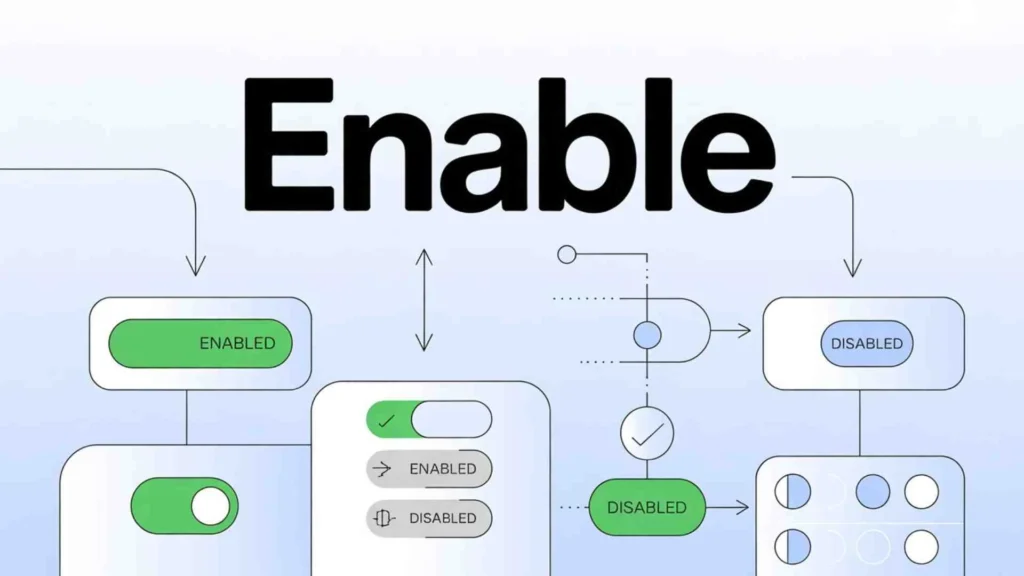
What Does Enable Mean On Or Off? Toggle Explained
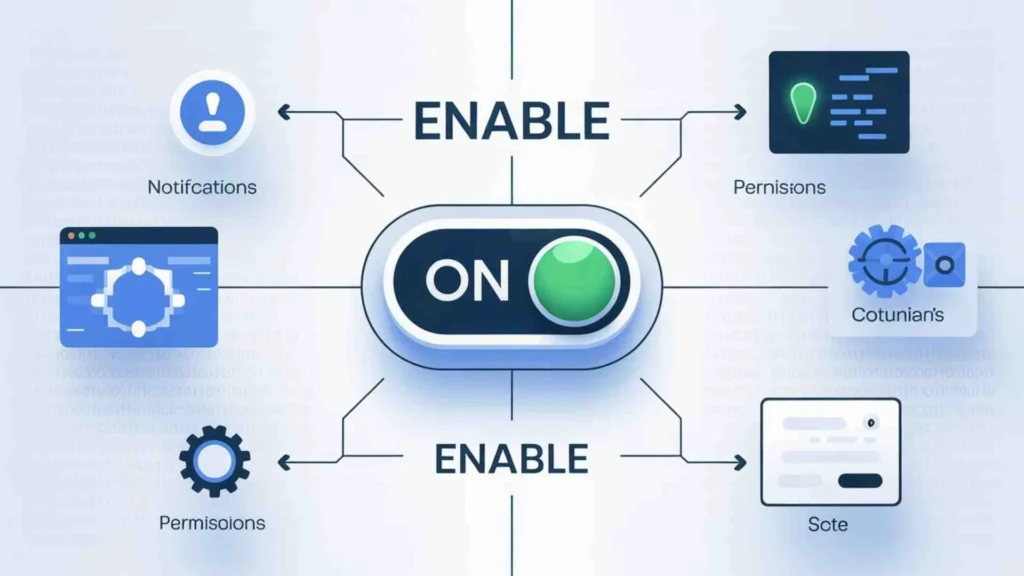
Toggle switches confuse a lot of people.
Here’s the simple truth:
• Enable = On
• Disable = Off
That’s it.
The confusion happens because toggles don’t always say the word “enable.” Instead, they use visual switches.
If it’s highlighted, colored, or slid right—it’s enabled.
What Does Enable Mean In Google Play Store
In the Google Play Store, Enable usually appears when:
• An app was disabled
• A system app was turned off
• You removed updates
When you tap Enable:
• The app becomes active
• Updates resume
• Features return
It does not reinstall the app.
It simply reactivates it.
What Does Enable Mean On Snapchat
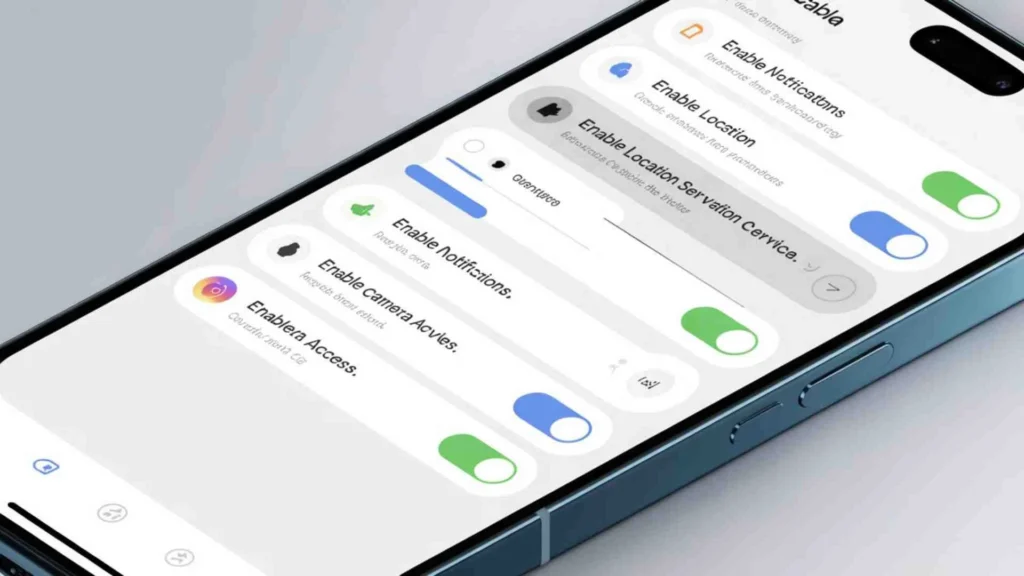
On Snapchat, enabling almost always relates to permissions.
Snapchat requires access to:
• Camera
• Microphone
• Storage
• Notifications
If these aren’t enabled:
• Filters won’t work
• Voice messages fail
• Stories won’t post
Snapchat won’t force access. It waits for you.
What Does Enable Mean In Zoom
Zoom uses enable to manage meeting permissions.
Common Zoom features you must enable:
• Microphone
• Camera
• Screen sharing
• Recording
Hosts can also enable or disable features for participants.
If screen sharing isn’t enabled, nothing breaks—you’re just blocked from using it.
What Does Enable Mean On PancakeSwap And Crypto Apps
In crypto, enable has a more serious meaning.
On platforms like PancakeSwap, enabling means:
Allowing a smart contract to access a specific token.
This is called token approval.
Important Clarification
Enabling is not a transaction.
It’s permission.
Without enabling:
• You can’t swap
• You can’t stake
• You can’t trade
This protects users from unauthorized access.
Enable vs Allow vs Activate (Key Differences)
| Term | Meaning | Where Used |
| Enable | Make usable | Apps, phones, crypto |
| Allow | Grant permission | iOS, browsers |
| Activate | Start service | Accounts, subscriptions |
To users, they often feel the same.
To systems, they serve different roles.
Why Apps Ask You To Enable Things
There are three main reasons.
Privacy Laws
Apps must ask permission before accessing sensitive data.
User Control
You decide what an app can and can’t do.
Security
Limiting access reduces misuse and abuse.
This isn’t an inconvenience. It’s protection.
Common Problems Caused By Disabled Settings
Disabled features cause more issues than people realize.
Examples include:
• Notifications not arriving
• Apps crashing
• Camera not opening
• Microphone not working
• Location errors
Most of the time, the fix is simple.
Enable the required permission.
How To Check If Something Is Enabled
On iPhone
Settings → Privacy & Security → App permissions
On Android
Settings → Apps → Permissions
Inside Apps
Look for “Permissions” or “Settings”
On Websites
Browser settings → Site permissions
Simple Real-Life Examples Of Enable
Think of enable like:
• Turning a key in a car
• Plugging in a power cord
• Flipping a light switch
The tool exists.
It just needs permission to work.
Frequently Asked Questions
Does enabling mean permission?
Yes. It often includes permission and activation together.
Is enabling safe?
Yes—if you understand what you’re enabling.
Can enabling cost money?
Not by itself. Charges come from actions, not permissions.
Why do apps stop working without being enabled?
Because they lack access to required features.
Final Summary
Enable means allowing something to function.
It doesn’t hack your phone.
It doesn’t steal data automatically.
It simply unlocks a feature you choose to use.
Once you understand that, the word loses its mystery—and its fear.
Also Check These Posts
- What Does PRN Mean | Slang Medical and Texting Meanings Explained for 2026
- STFU Meaning in Text Slang and Social Media (Complete Guide) for 2026

Asher Blake is a passionate wordsmith whose pen dances between pain and purpose. Known for his emotionally rich quotes and soul-stirring reflections, Asher has become a quiet force in the world of inspirational writing. His words don’t just decorate pages — they reach into hearts, offering comfort, clarity, and courage.
With a background in creative writing and an unshakable love for literature, Asher began his journey by collecting forgotten feelings and turning them into lines that linger. His work touches on self-worth, healing, love, heartbreak, and the small moments that define us. He believes that even a single sentence can light up someone’s darkest day.
Driven by empathy and depth, Asher Blake writes not to impress — but to connect. His quotes are shared across the globe by those searching for meaning, motivation, and emotional release. Whether you’re lost in love, rebuilding your confidence, or simply pausing to breathe, his words feel like they were written just for you.
Books by Asher Blake
“Ink & Ache: Quotes That Feel Like Scars”
A collection of raw, emotional quotes about love, loss, and becoming whole again.
“Still Learning to Breathe”
An inspiring blend of healing quotes and reflections for anyone learning to let go.
“Unfinished Thoughts”
A poetic journey through scattered emotions, fleeting moments, and the beauty of not having all the answers.