
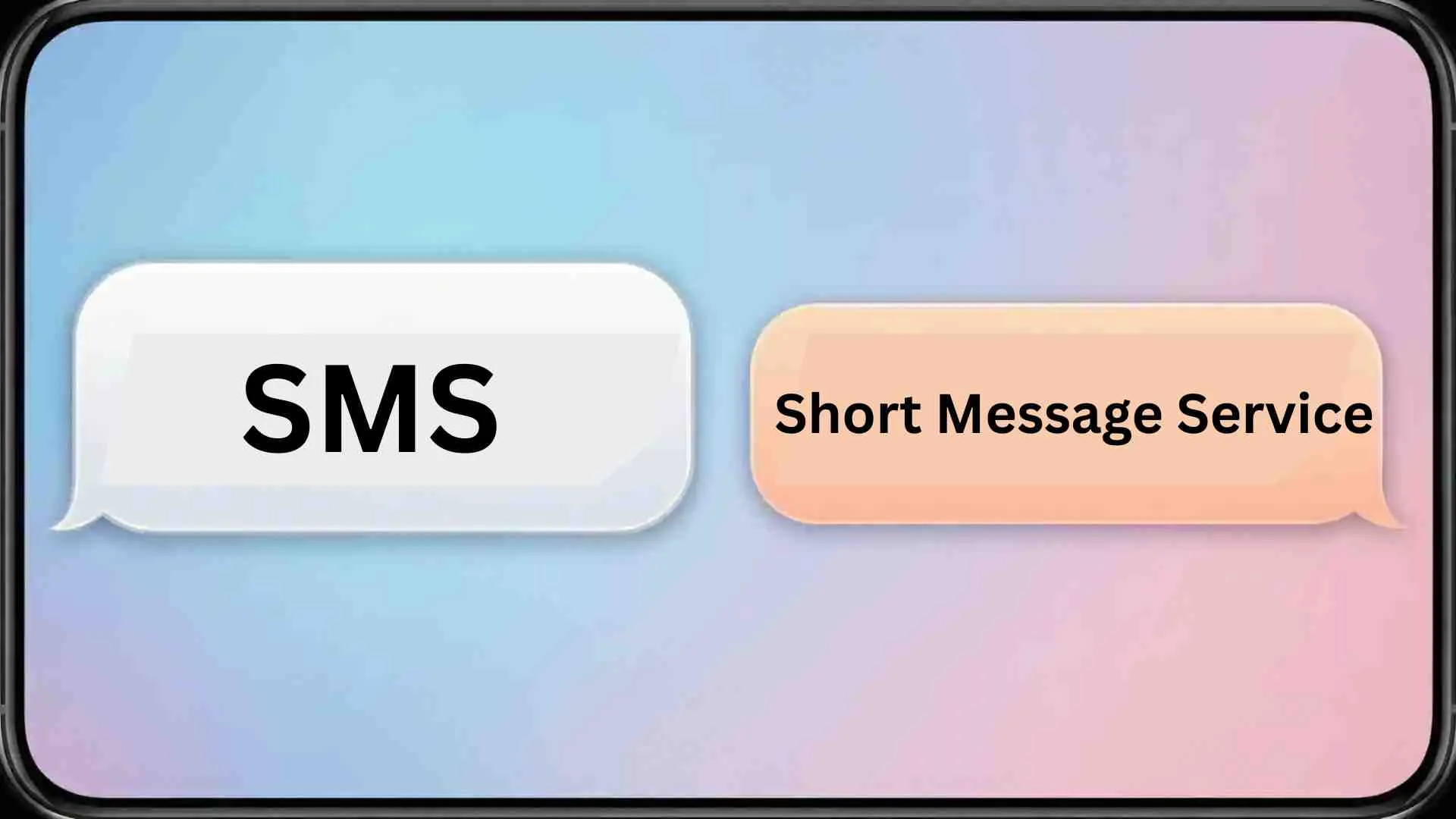
Texting has become second nature for most of us, but sometimes your messages behave in ways that are confusing.
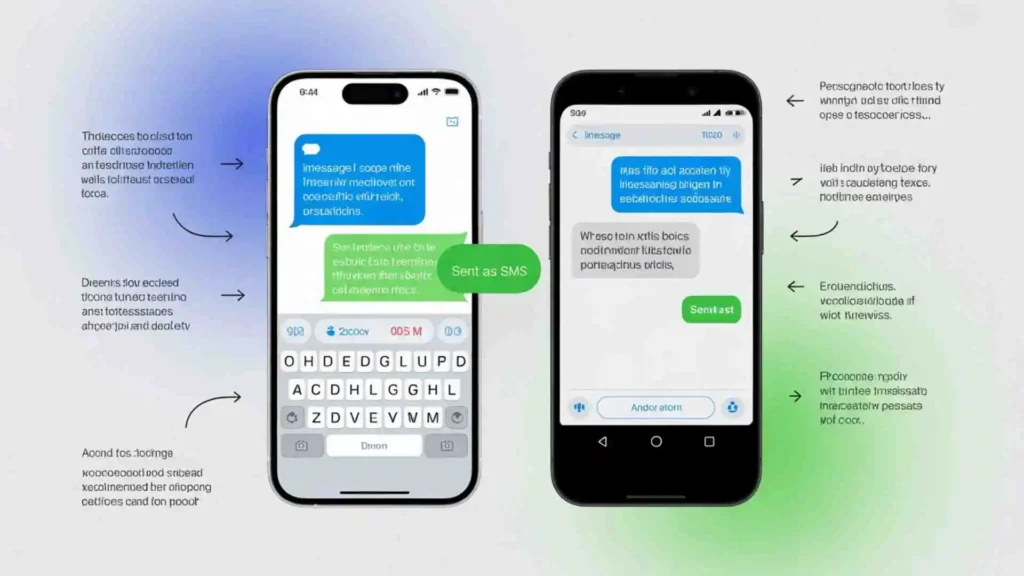
You type a message, hit send, and instead of seeing the usual “Delivered” notification, you notice “Sent as SMS”. For many, this small status line can spark a lot of questions:
“Sent as SMS” means your message was delivered using the traditional Short Message Service (SMS) protocol.
If you’re sending a quick note to a friend or managing a large-scale business messaging campaign, understanding what “sent as SMS” means is important.
Let’s break it down in plain English, explore the technology behind it, and give you actionable insights on why this happens.
Simple Definition of Sent as SMS
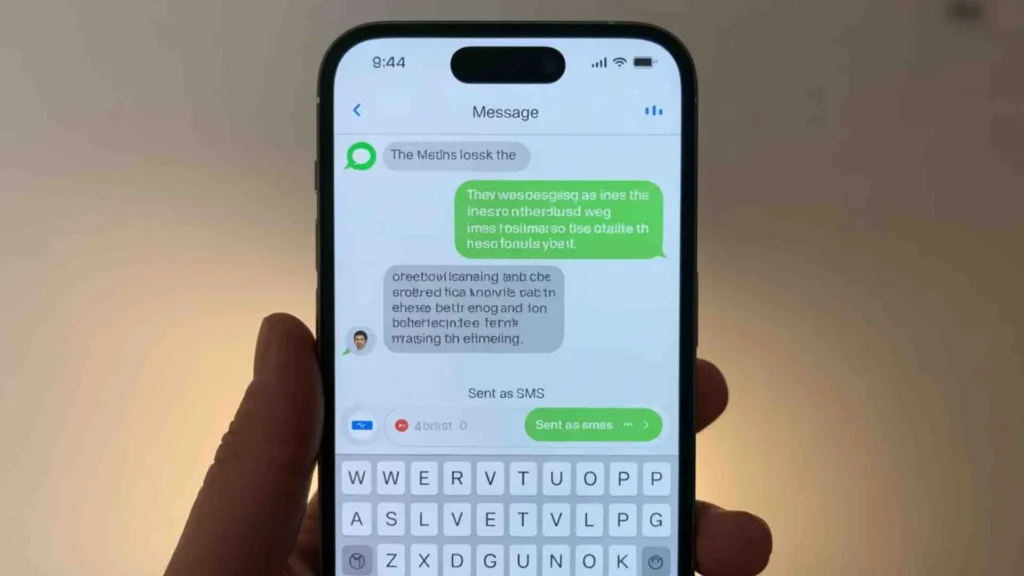
At its core, “Sent as SMS” means your message was delivered using the traditional Short Message Service (SMS) protocol.
Unlike modern messaging apps that rely on the internet, SMS works over cellular networks. It’s the universal, fallback method for sending text messages.
Key Points:
- SMS is supported by virtually all mobile phones and carriers.
- Unlike iMessage or RCS, SMS doesn’t require an internet connection.
- Messages sent via SMS may lack some features like high-resolution images, read receipts, and typing indicators.
“SMS is like the postal service of messaging: simple, reliable, and universally supported.”
How SMS Differs From Modern Messaging Protocols
Today, texting isn’t just SMS anymore. Two modern protocols often come into play:
- iMessage: Apple’s proprietary messaging platform that allows high-resolution images, reactions, and read receipts. Requires Wi-Fi or cellular data.
- RCS (Rich Communication Services): The newer standard for Android devices and many other platforms. It supports larger files, interactive features, and improved delivery tracking.
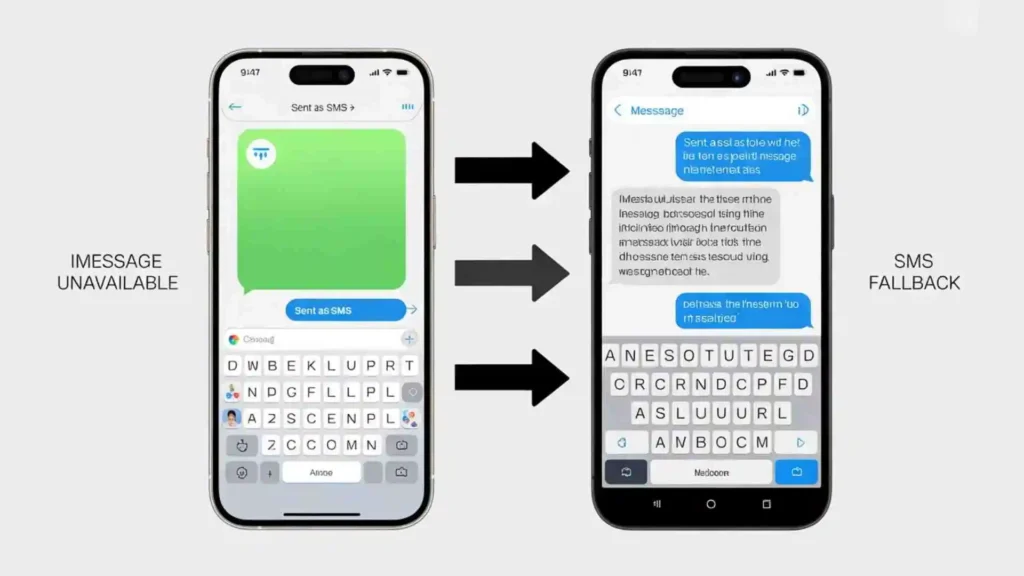
If your message can’t be sent via iMessage or RCS (for example, the recipient doesn’t have a compatible device or the network is down), the system automatically falls back to SMS, resulting in the “Sent as SMS” status.
What “Sent as SMS via Server” Means
Sometimes, you may see “Sent as SMS via server.” This indicates the message was routed through a network server rather than being sent directly device-to-device.
Why it happens:
- Advanced messaging protocols (iMessage or RCS) fail due to device incompatibility.
- A network server is used for faster, reliable delivery.
- Often occurs with enterprise platforms or mass messaging services, like TrueDialog, which ensure high-volume messages are delivered without interruption.
In short: It’s still an SMS, just handled through a server to improve speed and reliability.
Why a Message Gets Sent as SMS
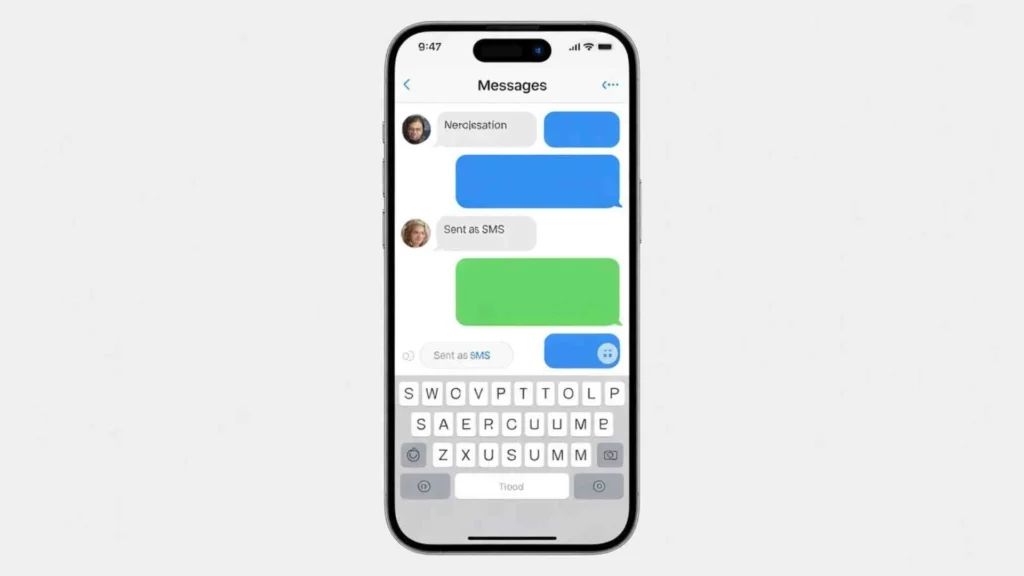
Several common reasons explain why your message may be sent as SMS:
1. No Internet Connection
- iMessage and RCS require Wi-Fi or mobile data.
- If either sender or recipient lacks connectivity, messages default to SMS.
2. Device or Carrier Limitations
- Not all devices support iMessage or RCS.
- Certain carriers may not fully support RCS yet.
3. Messaging Platform Issues
- Temporary platform outages or bugs can force a fallback to SMS.
- Reliable enterprise messaging platforms minimize this risk.
4. Account or Data Limitations
- Recipient may have exhausted mobile data or have account restrictions.
- SMS remains the fallback method for uninterrupted communication.
Pros and Cons of SMS vs. Internet Messaging
Here’s a quick comparison of SMS and modern messaging platforms:
| Feature | SMS | iMessage / RCS |
| Requires Internet? | No | Yes |
| Delivery Receipts | No | Yes |
| File Size | Small | Large (images, videos) |
| Compatibility | Universal | Limited to devices/platforms |
| Reliability | High | Medium (depends on network) |
Takeaway: SMS is the most reliable fallback, while iMessage/RCS offer richer features when connectivity and compatibility exist.
How Businesses Ensure Reliable SMS Delivery
For enterprise users, sending messages reliably is critical. Platforms like TrueDialog optimize SMS delivery with:
- Direct Carrier Connections: Eliminates middlemen, improving speed and reliability.
- Automatic SMS Fallback: Ensures messages reach recipients who cannot receive RCS messages.
- True Delivery: AI-powered tool that checks message content against carrier spam filters, reducing the chance of failure.
Reliable SMS delivery is essential for time-sensitive notifications, critical alerts, and mass messaging campaigns.
Common Questions About “Sent as SMS”
Does “Sent as SMS” Mean I’m Blocked?
Not necessarily. Most often, “Sent as SMS” occurs because of network or device limitations.
However, if a recipient blocks you, messages may fail or never be delivered. Businesses typically see failed messages in platform reports if blocked.
Is My Message Delivered?
Seeing “Sent as SMS” only confirms that your message left your device successfully. Unlike internet messaging apps, SMS does not provide guaranteed delivery confirmation. Check your platform’s delivery report to see if it reached the recipient.
Is SMS More Reliable Than Internet Messaging?
Yes. SMS can reach virtually every mobile device and carrier, making it ideal for critical notifications. Even with RCS adoption growing, SMS remains the fail-safe method.
Tips to Avoid “Sent as SMS” When Using iMessage or RCS
- Ensure both sender and recipient are online.
- Verify that devices support the advanced messaging protocol.
- Keep messaging apps updated.
- Use reliable enterprise messaging platforms for mass communication.
- Avoid sending large files that may exceed protocol limits.
Technical Deep Dive: How SMS Works
- SMS messages are sent over cellular signaling channels.
- Maximum length: 160 characters per message. Longer messages may be split into multiple messages.
- Works on GSM, CDMA, and LTE networks.
- Compatible with all phones, unlike iMessage or RCS which require app or device support.
Fun fact: SMS has existed since 1992 and still delivers over 23 billion messages daily in the U.S. alone.
Enterprise Considerations for SMS
When using SMS for marketing or notifications:
- Compliance is critical: Messages must meet carrier and legal requirements.
- Content optimization: Avoid spammy language to prevent blocking.
- Delivery monitoring: Platforms like TrueDialog offer real-time reporting to track message success.
Benefits of SMS for businesses:
- High open rate (98% within 5 minutes).
- Universal reach across devices.
- Reliable fallback if other messaging fails.
FAQs About SMS Messaging
Q: Can I send images via SMS?
A: Yes, but only in MMS format, which supports multimedia. Traditional SMS is limited to text.
Q: Will “Sent as SMS” appear on Android devices?
A: Yes, Android devices using RCS fallback will show the same status.
Q: How can I know if a message was delivered?
A: SMS itself doesn’t provide delivery confirmation. Enterprise platforms may provide delivery reports.
Q: Can SMS bypass internet restrictions?
A: Yes. Unlike iMessage or RCS, SMS works even without Wi-Fi or mobile data.
Conclusion
“Sent as SMS” is not a problem—it’s a safety net. It ensures that messages reach recipients reliably, even when modern protocols fail.
If for personal texting or enterprise messaging, understanding why this happens and how SMS works can improve communication and reduce confusion.
By recognizing the difference between SMS, iMessage, and RCS, and leveraging enterprise tools for high-volume messaging, you can ensure your messages always get through—fast, reliable, and compatible with every device.
“SMS may be old, but it’s still the gold standard for reliable, universal messaging.”
Also Check These Posts
- What Does Six Seven Mean | Full Slang Meaning Usage Explained for 2026
- What Does YOLO Mean | Full Meaning Usage Cultural Impact for 2026

Ethan Cole is a writer fueled by emotions, driven by truth, and inspired by the power of words. Known for his ability to distill complex feelings into short, striking lines, Ethan has become a go-to name for readers seeking comfort, motivation, and clarity through quotes.
With a background in literature and a lifelong love for poetic expression, Ethan blends simplicity with depth. He writes not just to be read, but to be felt. His work dives into themes of heartbreak, healing, mental strength, and the beauty of being human — making his words resonate across generations.
Ethan believes that even a single sentence, when written with honesty, can become a turning point in someone’s life. Whether it’s a quote to mend a shattered heart or one to spark a dream, he crafts each line with intention.
Outside the world of writing, he enjoys black coffee, rainy evenings, and observing life in its rawest form — because that’s where the real stories hide.
📚 Published Works by Ethan Cole
“Fragments of a Shattered Sun”A poetic journey through heartbreak, loss, and the light that follows even the darkest nights.
“Ink & Resilience”A bold mix of motivational quotes and raw reflections on self-growth, courage, and rising again.
“The Weight of Quiet Things”A deeply personal collection of short quotes and musings for those who feel deeply but speak softly.